How it works
Your story, your song, your photos. Bring them together in a music video.
Find a template you love
Preview the styles, check how many photos you need, and choose a template for your moment.
Make it yours with music and photos
Create a song from your story or select one from your library. Add your photos to the template.
Turn stories and photos into something worth keeping
A thought becomes a song. Your photos make it a music video of your own.
Turn your story into a song
Write down a memory, a feeling, or the words you want to say. Give them a melody of their own.
Start creatingBring your photo memories to life with music
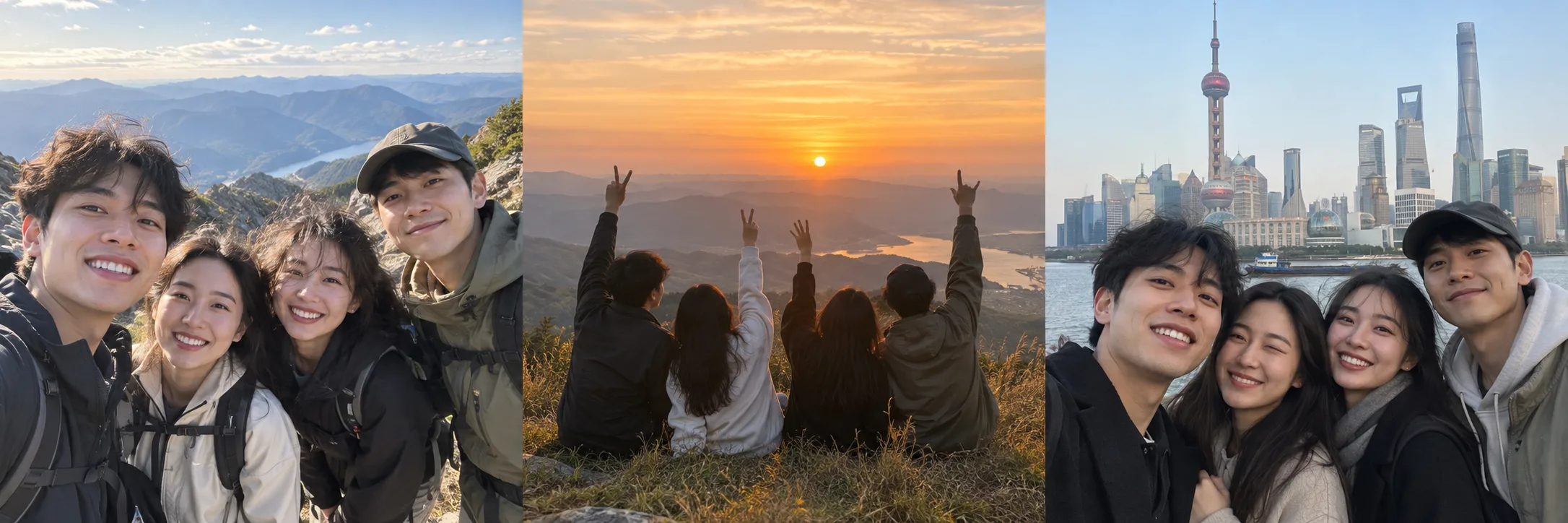
Choose a template and add your own photos. Preview, adjust, and keep or share the finished video.
Choose a templateMusic video generator: from your first song to the final frame
Create an AI music video with a song from your library and a photo template. Follow the song-to-video guide, explore audio options, or start with a Suno prompt.
Questions before you create
The essentials about original AI songs, personal photos, templates, and finished videos.
Can I use this AI music video generator free of charge?
This free AI music video generator uses songs already in your Suno Film library for template video creation, preview, and export. New AI music generation is separate. See Pricing for current availability; free video creation does not include AI-generated motion clips.
What does an AI generated music video look like here?
The music is AI-generated; the video uses your own photos with designed layouts, movement, and transitions. Explore the templates to see the visual style before you start.
What kind of music can I create?
Describe a person, a story, or a feeling to create an AI song. Choose English or Chinese vocals, or make an instrumental track. In Advanced mode, you can write your own lyrics or use the AI lyric writer.
How many photos do I need for a video?
Each template has a different number of photo slots, shown on its card and detail page. In the editor, upload your photos, place them in the slots, and preview the result.
What determines the video length?
A full video normally follows the length of your selected song. When the song is longer than the template, the visuals repeat. Check your project preview and export settings for the final duration.
Can I use my own photos?
Yes. Upload your photos and place them in the template’s photo slots. You can preview and adjust how they appear in the editor.
Should I choose a template or create a song first?
Either works. Choose a template first, then create a song or select one from your library. Or finish your song first and choose Make a video to pick a template.
Are the visuals AI-generated?
Your video combines your photos, your selected song, and template effects. The template provides the layouts, animations, and transitions; it does not generate each shot from a text prompt.